


Coin login: how to sign in to your account
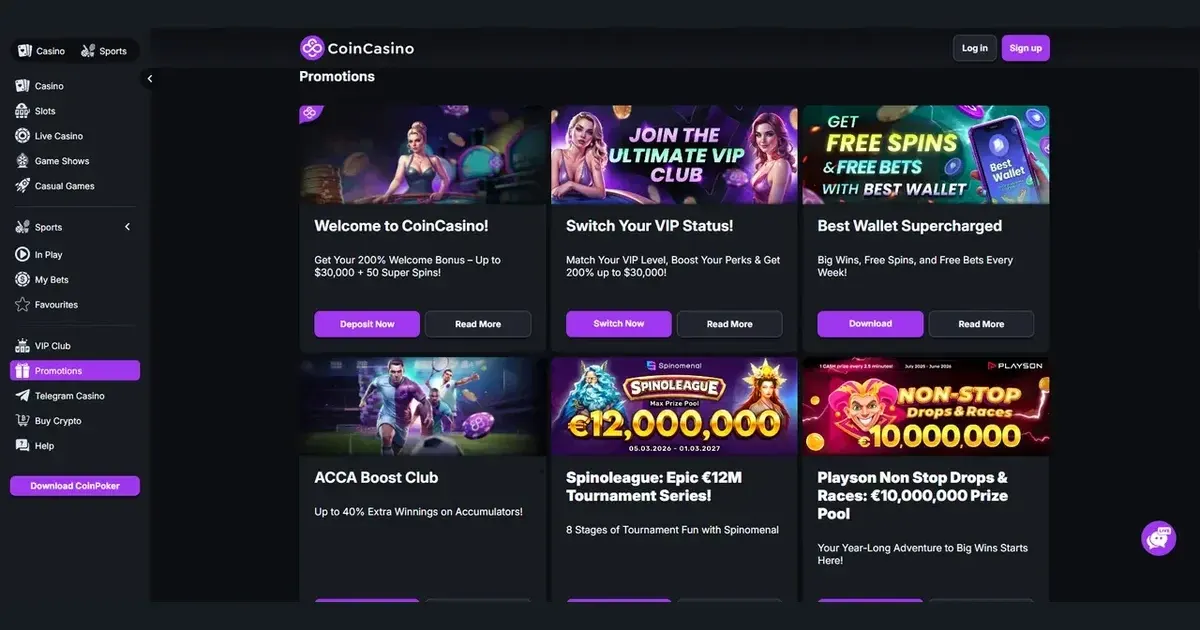















Your Coin account and sign-in details are managed by the operator, not by Coin. We can explain the access process, but we cannot access, restore, verify or unblock an account.
Signing in to Coin step by step
- Open the operator’s own website using an address you trust.
- Select the operator’s sign-in button and enter the email address and password chosen when you registered.
- Submit the details and check that the account, rather than another profile, is open.
If you have not registered yet, registration also takes place directly with the operator.
Signing in on your phone
The same route is available through the operator’s website in a mobile browser. Your account, email address and password remain unchanged, so you can sign in using the details you chose at registration rather than creating a separate mobile account.
Check the address in your browser before entering any sign-in details. A familiar domain is more reliable than a shortened link sent in an unexpected message.
What to do when the login is refused
- Incorrect details: check the spelling of your email address and password, then try again carefully.
- Browser session problem: reload the operator’s site, check that cookies are permitted in your browser and try in a private browsing window.
- Account verification: if the operator asks you to complete a check, follow its instructions rather than entering the details again.
- Account restriction: a regional restriction or self-exclusion may prevent access. The operator must confirm the status and explain the next step.
Do not keep guessing passwords if the login is being refused repeatedly. Repeated attempts can make the account harder to access, and the operator’s support team is the appropriate place to investigate the cause.
Resetting a forgotten Coin password
Use the password-reset option on the operator’s site and request a reset link to the email address used during registration. Then follow the instructions in that email to choose a new password.
If the registration email address is no longer accessible, contact the operator directly. Explain which address was used to register and ask which route is available for updating the account email. We cannot initiate a reset or receive a replacement link on your behalf.
Account holds and self-exclusion
| Reason | What it means for access |
|---|---|
| Self-exclusion | The account remains excluded while the exclusion applies. The operator can explain its duration and the options available for the period in question. |
| Regional restriction | Access may be unavailable where local rules apply. The operator determines eligibility and the next available route. |
| Security check | Access may require the operator to verify account details before the session can continue. |
Coin supports a no-KYC registration policy by default, but account controls and verification requests can still affect an individual session. Self-exclusion is a deliberate limit, not a technical login fault, and there is no legitimate way to bypass it.
Getting help from the right support team
For a problem with an account, contact the operator through its own live chat, Telegram channel or email support. Have the registration email address, the approximate time the problem started and the exact message displayed on screen ready to share. If several accounts are involved, make sure you provide only the details needed to locate the correct account.
Never send a password through a support message. We do not have access to player accounts, deposits, withdrawals, bonuses or technical systems, so account-specific requests should go directly to the operator.
Keeping your Coin account secure
- Type or bookmark the operator’s address instead of following a sign-in link in an email or message.
- Use a password that is not used on any other service.
- Sign out after using a shared computer, phone or tablet.
- Keep the device itself protected with a PIN, password or biometric lock.
These simple checks reduce the chance of credentials being captured. If you suspect someone else has accessed the account, ask the operator to secure it immediately through live chat, Telegram or email support.
Play responsibly and keep access under control
Gambling should remain entertainment rather than a task to complete. If access is becoming difficult to manage, use the operator’s self-exclusion option or set aside a break from gambling. Free, confidential help is available from BeGambleAware.org, while the National Gambling Helpline is available on 0808 8020 133, 24/7. Access to gambling services is restricted to people aged 18+.
This page is for information and marketing purposes only. We are not a casino operator, bookmaker or organiser of gambling. Access to this content is restricted to persons aged 18 and over (18+). Please gamble responsibly; free, confidential support is available at BeGambleAware.org.
Frequently asked questions
How do I sign in to Coin?
Open the operator’s website, select its sign-in button and enter the email address and password used during registration.
Can I sign in to Coin on my phone?
Yes. Open the operator’s site in a mobile browser and use the same account email and password you use on desktop.
What should I do if I have forgotten my Coin password?
Request a password reset from the operator’s website. The reset instructions will be sent to the email address used during registration.
Who can help if my Coin account is blocked?
Contact the operator through live chat, Telegram or email support. Self-exclusion and regional restrictions must be handled by the operator and cannot be bypassed.
Game Providers