


Coin mobile play on the go
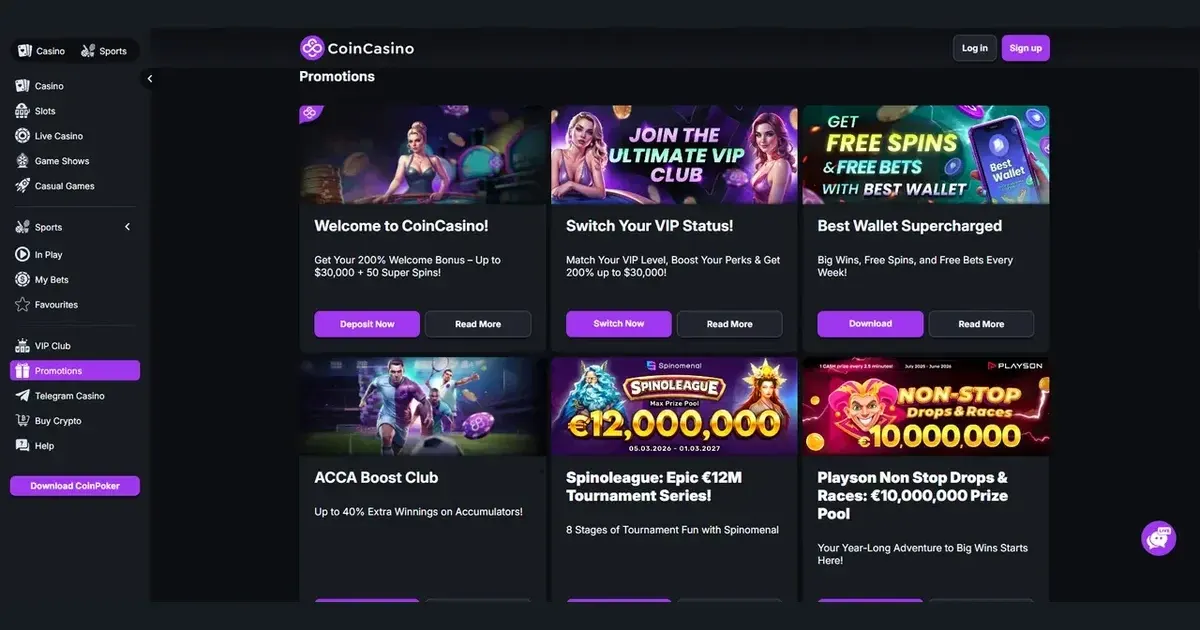
















Coin is accessible through a mobile browser, with the same account used on desktop. You can also reach the platform through its Telegram application. To begin, visit Coin on your phone, sign in securely and choose what you want to do next.
Getting started with Coin on a phone
There is a straightforward route to play on a mobile device. Keep your session private, use the operator’s own web address, and make sure the connection is stable before depositing.
- Open the operator’s site in your phone’s browser.
- Sign in with the same account details used on desktop.
- Check the cashier and available balance before selecting a game.
- Use the Telegram application when you want access through that channel.
- Sign out when you finish, particularly on a shared device.
Coin registers new players under a privacy-focused, no-KYC policy by default. That makes the initial route no-nonsense, although you should remain alert to the standard terms that can restrict use in heavily regulated jurisdictions.
Running the cashier and contacting support
The main account functions travel with you, including deposits and withdrawals. Coin accepts cryptocurrencies such as Bitcoin, Ethereum, Tether and Litecoin, alongside cards through Crypto Onramp, Apple Pay and Google Pay. Crypto withdrawals are generally completed within 0–1 hours, while card withdrawals take 1–3 business days.
Support is available by live chat, Telegram and email. If a payment or account issue needs attention, contact the operator through the relevant support channel rather than using a number or address supplied by a third party.
- Open live chat for a direct conversation with Coin support.
- Use Telegram when that channel suits your device.
- Choose email for a written record of your question.
What becomes tighter on a smaller screen
A phone keeps every feature within reach, but the games floor is not ideal for extended sessions. Some titles may feel cramped, particularly live baccarat and detailed interfaces. The Telegram channel also depends on your notification settings and connection, so it is not a substitute for managing limits or reviewing a transaction.
Mobile convenience should make control easier, not put your budget and session length on autopilot.
Keeping Coin under control while mobile
- Use a stable connection before starting a payment or game.
- Check the balance through the cashier on your own device.
- Set deposit and session limits before you begin.
- Take regular breaks rather than extending one session indefinitely.
- Sign out on shared or family devices.
- Use parental-control software such as Net Nanny or Qustodio when a younger person may have access.
The operator provides self-exclusion, while UK players can use GamStop for national self-exclusion. Gambling should remain entertainment rather than something that takes over your time or money. For support, GamCare is available, and the National Gambling Helpline is 0808 8020 133, free and open 24/7. BeGambleAware.org also provides free, confidential guidance.
This page is for information and marketing purposes only. We are not a gambling operator, bookmaker or organiser of betting or gaming activity. This site is restricted to visitors aged 18 and over (18+). Free, confidential support with gambling is available at BeGambleAware.org.
Frequently asked questions
Can I play Coin through my phone browser?
Yes. Open Coin in your mobile browser and sign in using the same account details as on desktop.
Game Providers